
This tutorial shows you how to setup Apple Pay and Google Pay for WooCommerce so both buttons display on your checkout page. This solution works when single products and/or products assigned to single custom post types are in your cart and displayed on your checkout page.
Here’s the actual result achieved after working out how to do this for a real client.
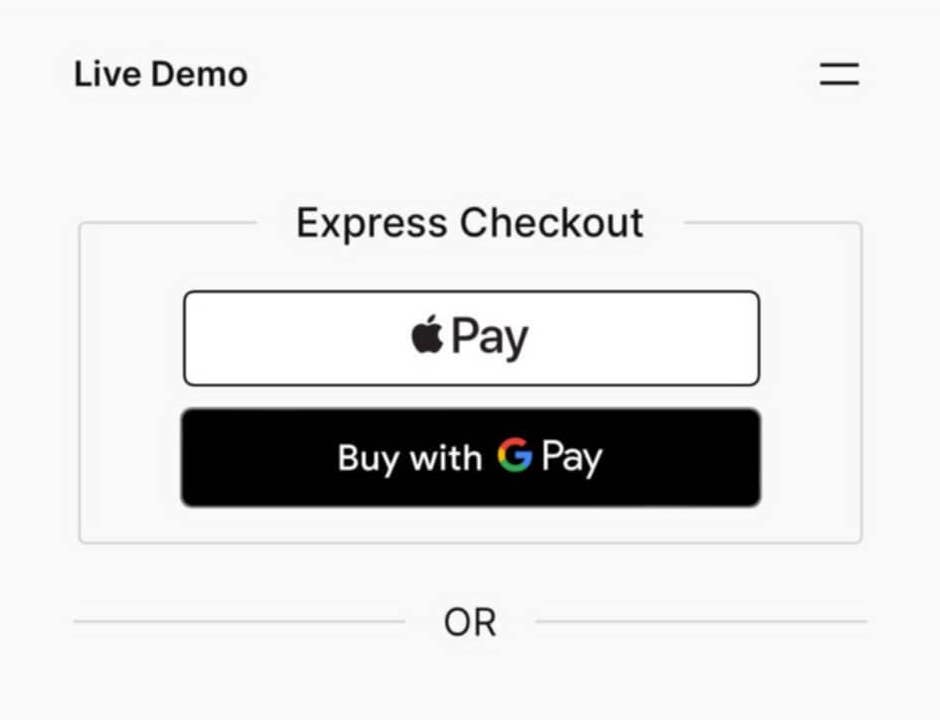
For most people, these buttons will not display when adding single custom post type products to your checkout page using WooCommerce.
Buttons Not Showing?
The 1st thing you’ll learn from this tutorial is, why aren’t Google & Apple Pay buttons showing on my checkout page?
The most common reasons relate to your Stripe settings and :
Still need help?
Hire us to complete the work for you right now!
Get SETUP
Was this helpful?
Thanks for your feedback!
Leave a Reply
You must be logged in to post a comment.