
By default, images added to the image block are not linked and the resolution is set to large. To change these defaults when using Gutenberg, go to yourdomain.com/wp-admin/options.php and scroll down to image_default_align.
Here you can enter default values for alignment, link type and size.
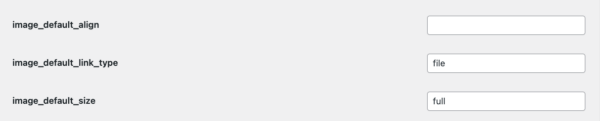
Once set make sure you scroll to the very bottom of the page and click save.
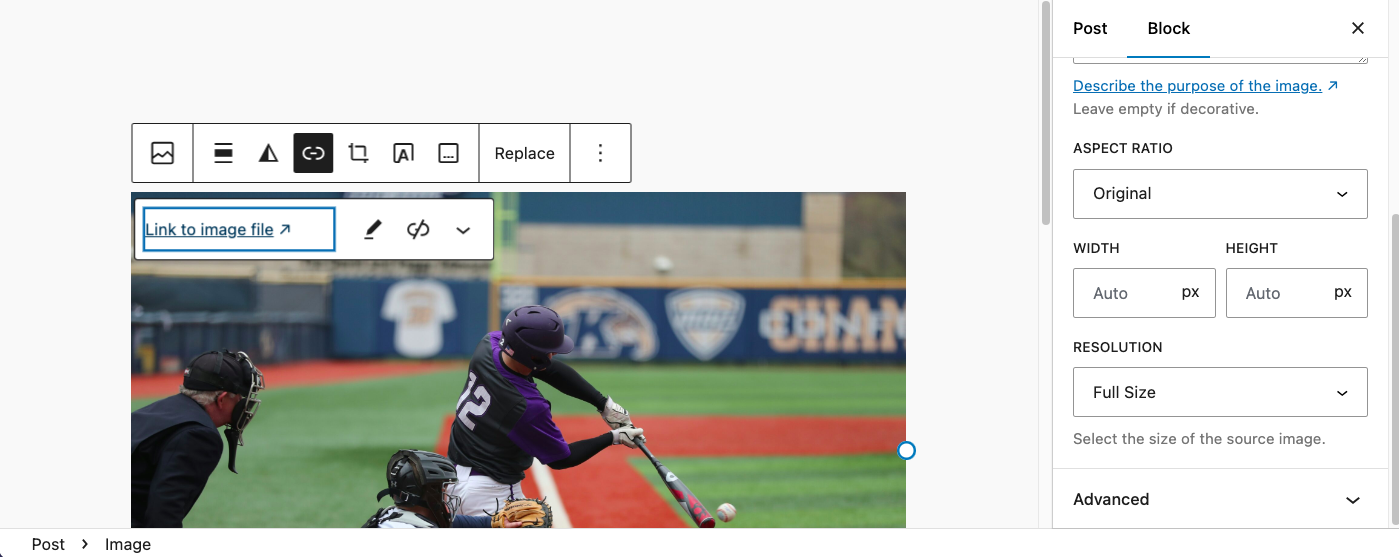
Now when you add a image to the image block, you won’t need to configure the link and resolution settings.
Was this helpful?
Thanks for your feedback!
Leave a Reply
You must be logged in to post a comment.