
Using the PDF Invoices & Discount Display plugin for WooCommerce, you can attach invoices in PDF format to order emails automatically.
- Download, install and activate the plugin
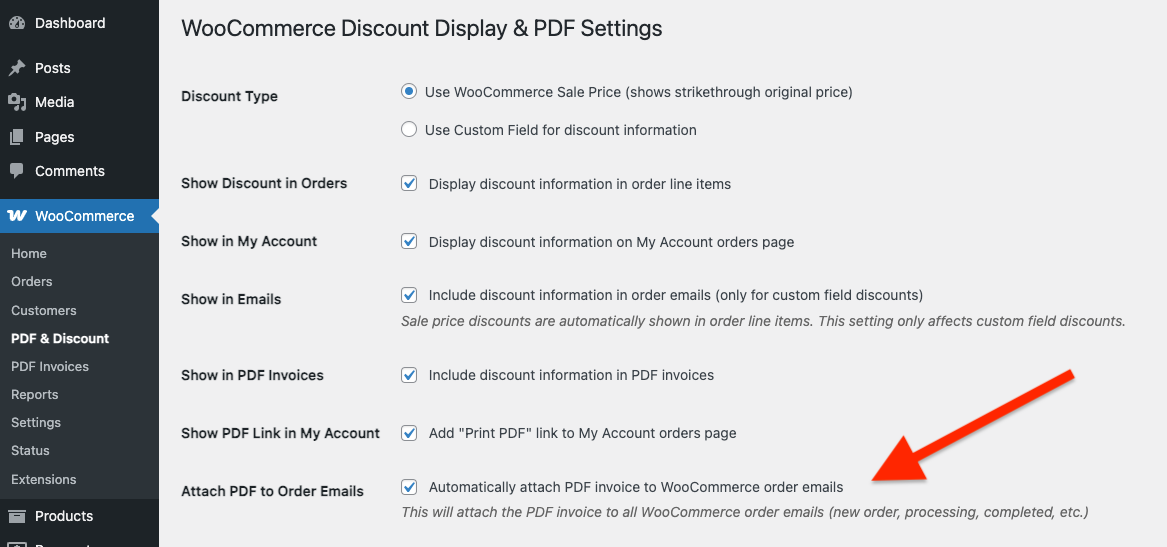
- Go to the WooCommerce > PDF & Discount settings page
- Check the Attach PDF to Order Emails checkbox and save changes
This will attach the PDF invoice to all WooCommerce order emails.
Once configured, the plugin will attach invoices to order emails giving your customers the option to view or download the invoice.
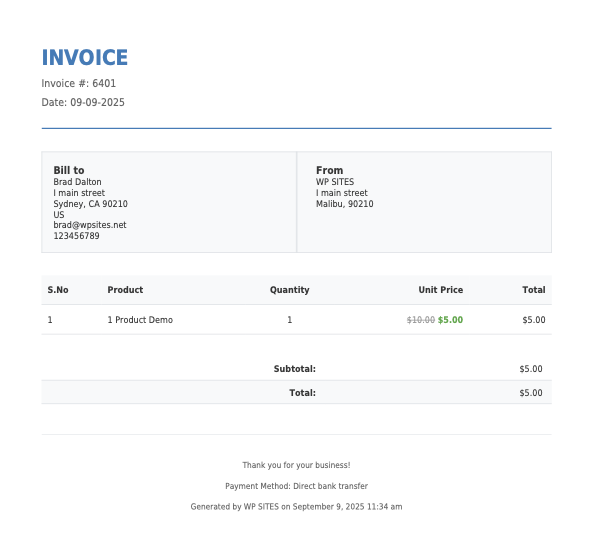
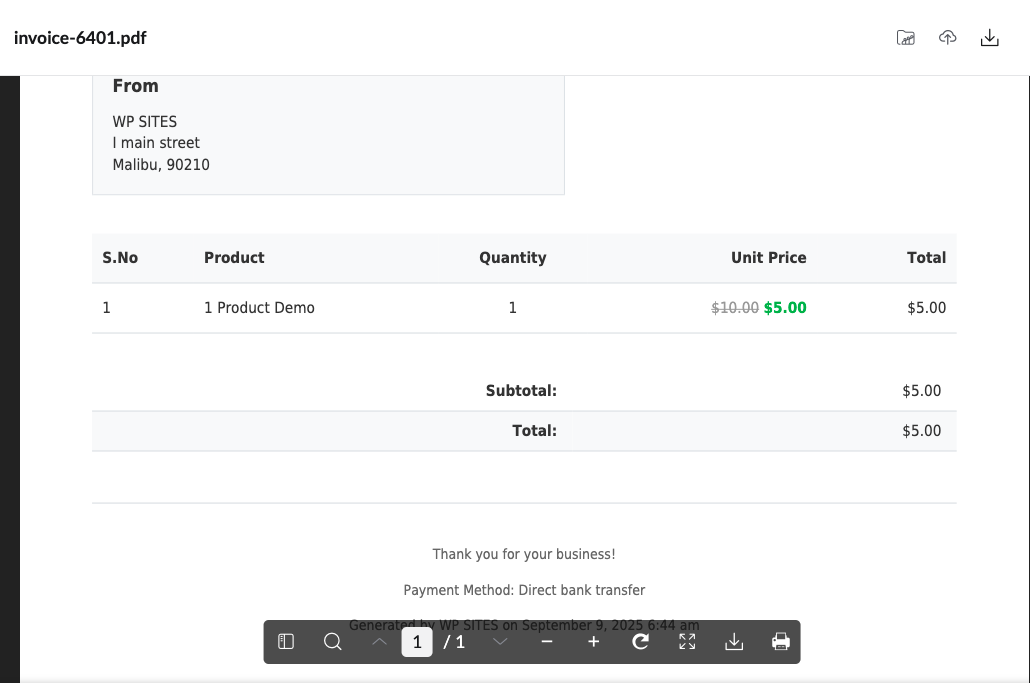
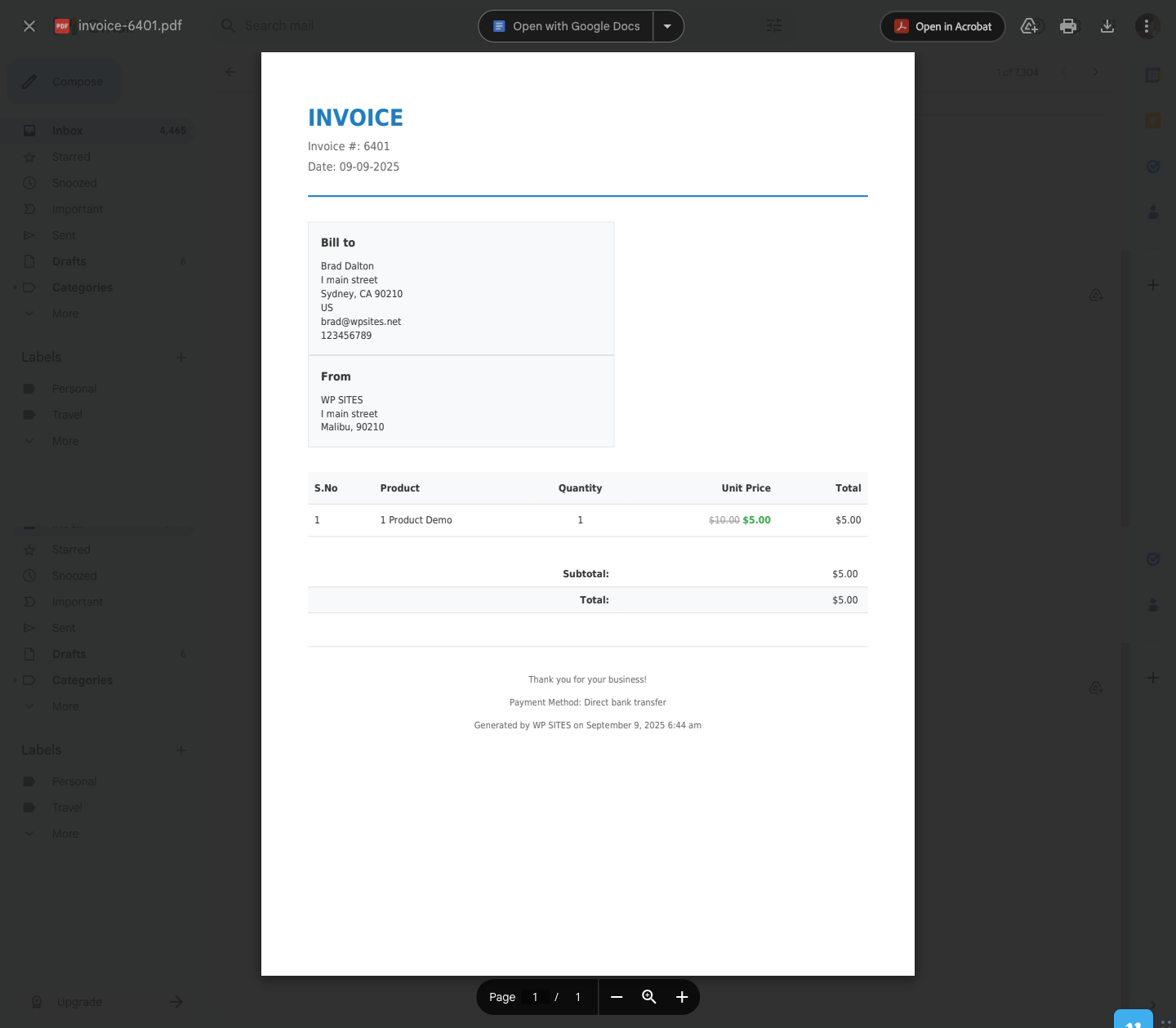
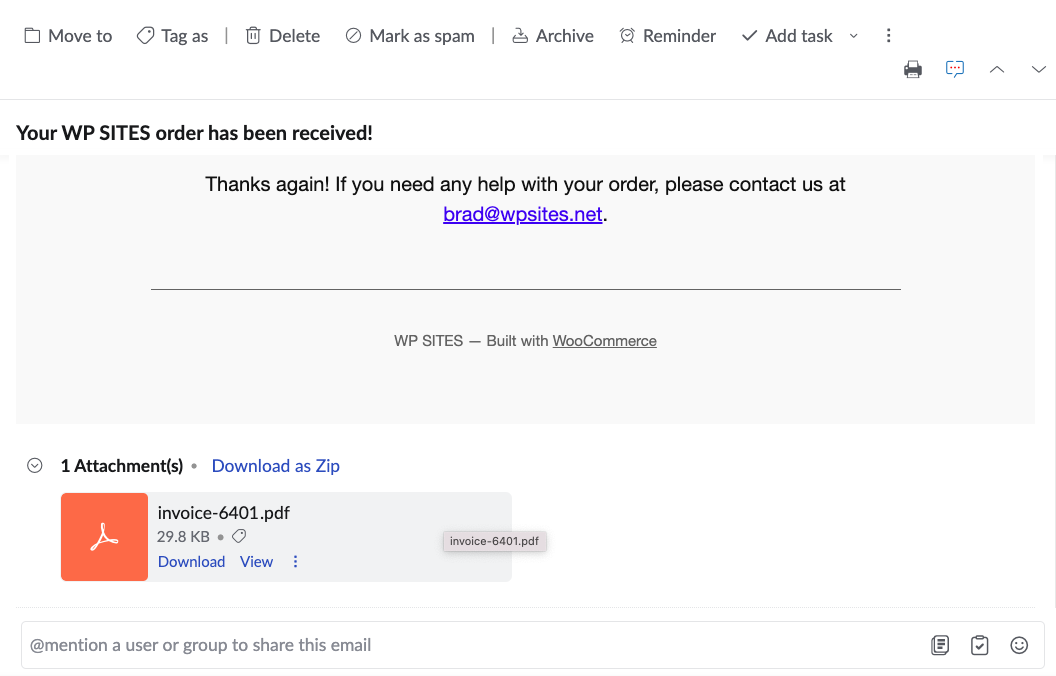
The attachment filename will include the order number.
PDF viewers vary depending on which email program you are using and may open in Adobe Acrobat.
Was this helpful?
Thanks for your feedback!
Leave a Reply
You must be logged in to post a comment.