
This tutorial shows you how to use a plugin to display a out of stock badge over your WC product images only when specific variations are selected.
- On the single product page, the badge only displays when the selected variation is out of stock not for all variations.
- On the shop page, the badge includes which variations are out of stock. Example Pink Out of Stock
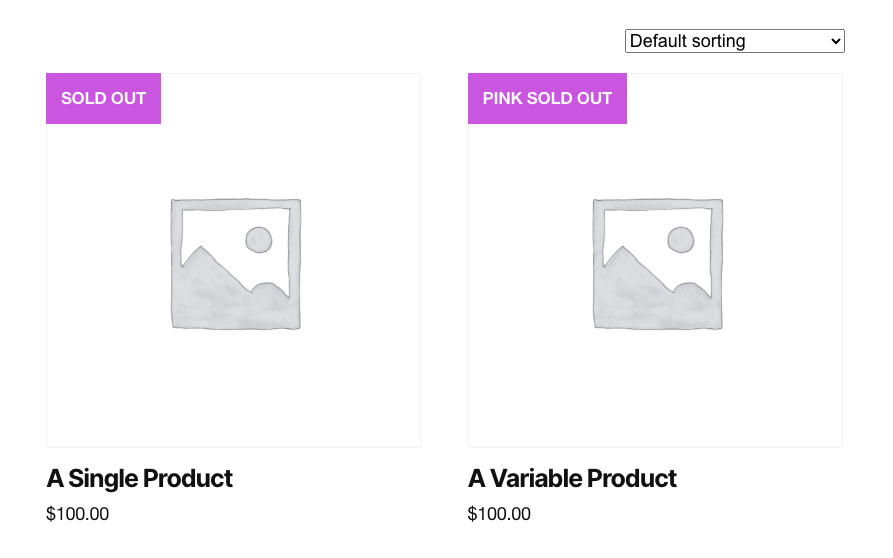
You can also use the plugin to display a badge on single product pages and for single products on shop pages.
Watch the following video to see how it works.
Requires the use of the Product Badges for WooCommerce plugin.
Was this helpful?
Thanks for your feedback!
Leave a Reply
You must be logged in to post a comment.