
This tutorial shows you how to add additional or different email recipients than the defaults to any product for any/all order emails including new order, on hold, processing, completed order emails and others.
Requires the use of the Per Product Email Notifications for WooCommerce plugin.
Once installed :
- Edit any product you want to customize
- Click on the “Email Settings” tab in the product data section
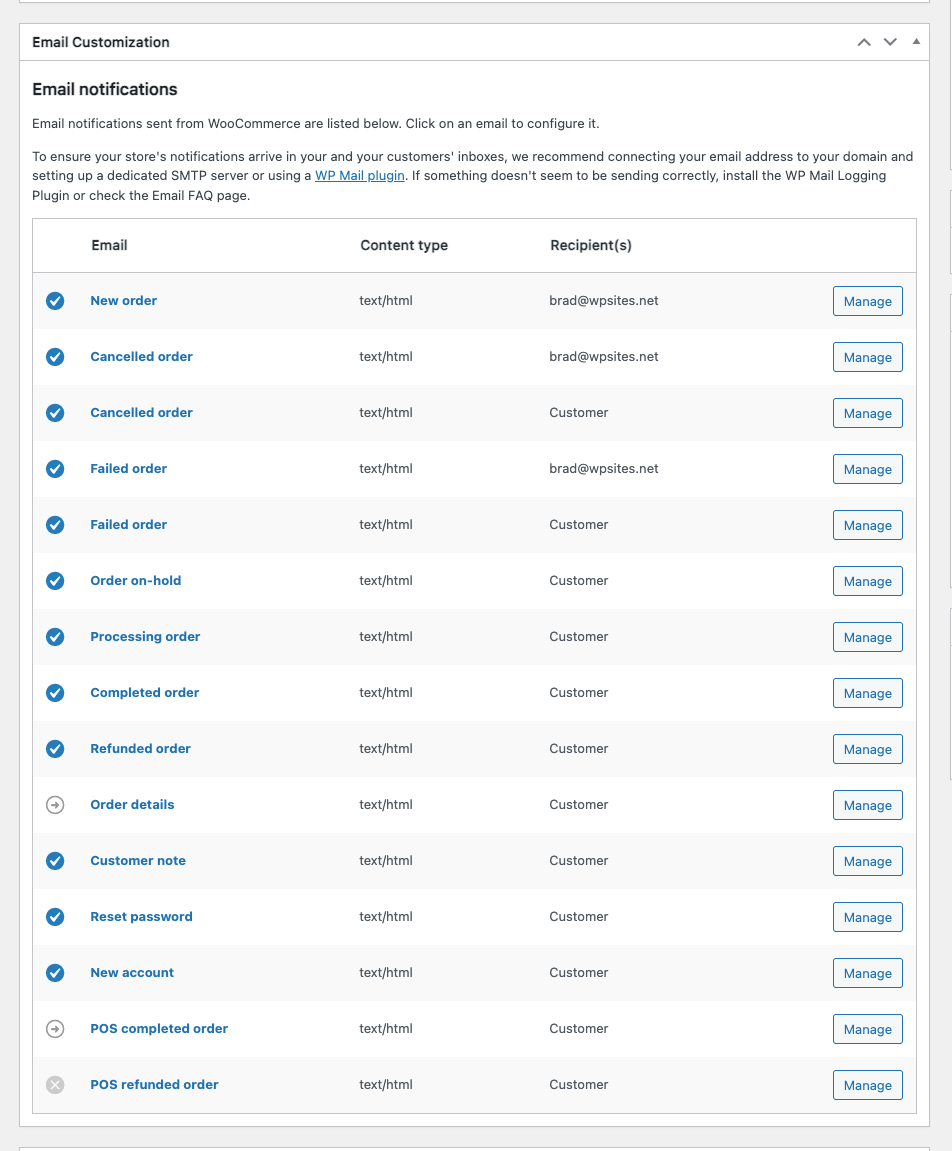
- Click “Manage” next to any email type (like “New Order” or “Customer Processing Order”)
- In the settings form, you’ll see a “Recipients” field
- Enter the email addresses you want to receive notifications for this product (comma-separated)
- You can also set CC and BCC recipients
- Click “Save Changes”
That’s it! Now when someone orders that specific product, the order notifications will be sent to your custom email addresses instead of the default ones set in WooCommerce > Settings > Emails.
This is perfect for:
- Sending high-value product orders to managers
- Routing different product categories to different departments
- Having backup email addresses for important products
- Creating specialized notification workflows
The plugin works with all WooCommerce email types and maintains the same professional interface you’re used to. No coding required!
Get the Per Product Email Notifications plugin today and start customizing your order notifications on a per product basis.
Leave a Reply
You must be logged in to post a comment.