
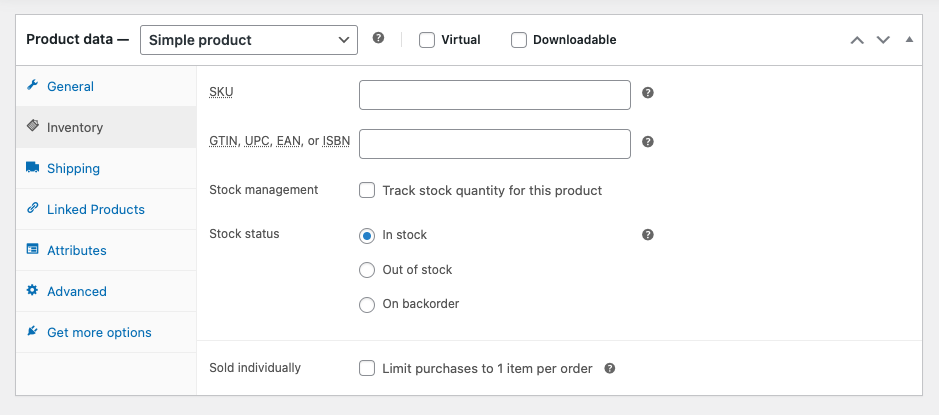
This code sets the Stock management checkbox to Track stock quantity for this product to true for new products without needing to check the box manually.
The code also sets the inventory level to 1 which will display on the single product page.
After installing and saving the code in your child themes functions file, you’ll see the Inventory > Stock management checkbox is set to true before the publish the new product.
The code also enables you to set the inventory value to anything you like. In this case, 1.
add_action('woocommerce_product_options_stock', 'set_default_stock_and_enable_inventory_v4');
function set_default_stock_and_enable_inventory_v4() {
    global $post;

    if ( 'auto-draft' === $post->post_status ) {
        ?>
        <script type="text/javascript">
            jQuery(function($){
                $('#_manage_stock').prop('checked', true).trigger('change'); // Enable stock management checkbox
                $('#_stock').val(1); // Set default stock quantity to 1
            });
        </script>
        <?php
    }
}
Related Tutorials
Was this helpful?
Thanks for your feedback!
Leave a Reply
You must be logged in to post a comment.