
This post includes a copy of the Genesis Sample child theme by StudioPress which includes Isotope & 3 filters for your archives.
You can filter the home and blog page archives by category, tag and author like you see in the following screenshot:
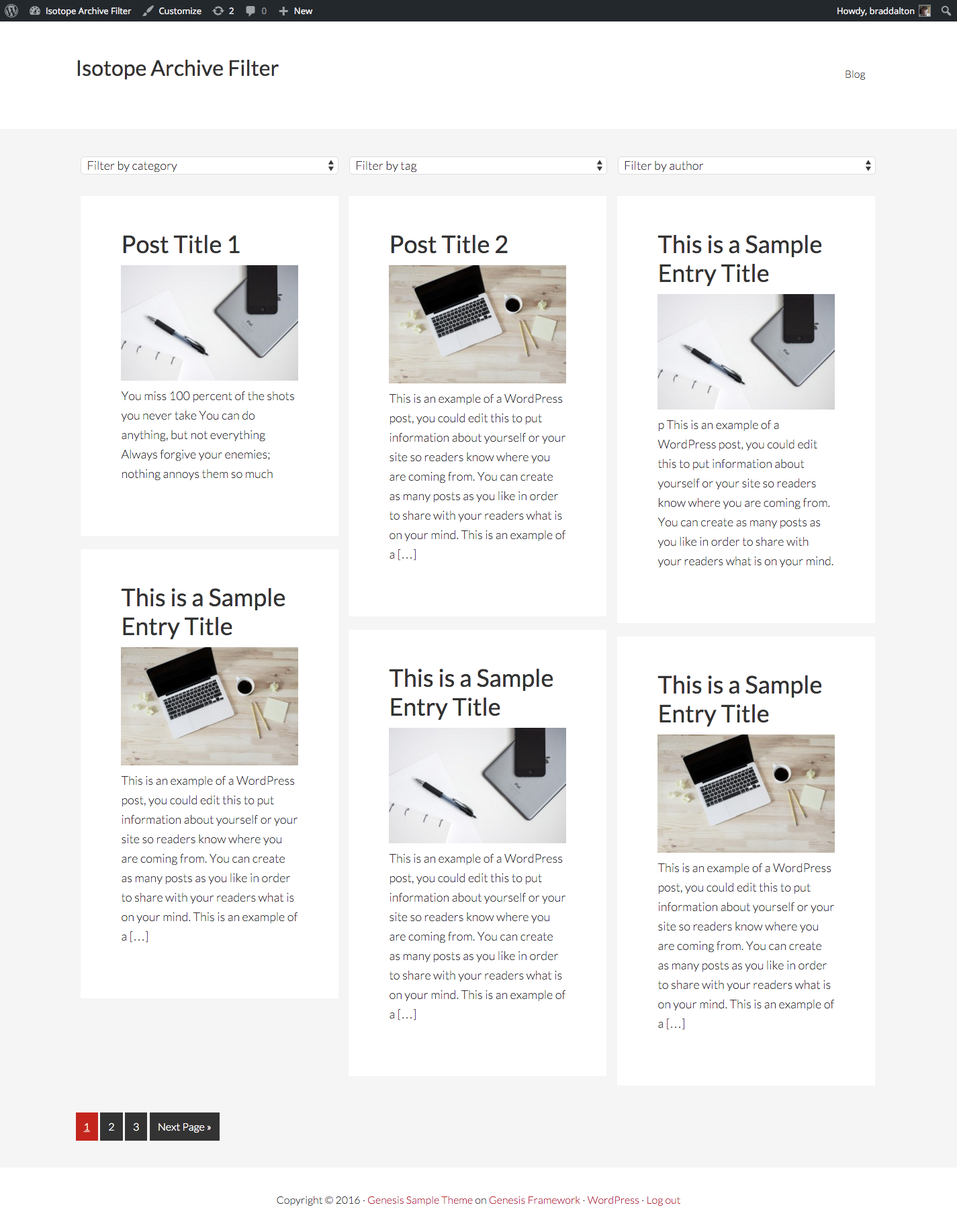
Each archive includes pagination.
Use In Other Themes
Installation in other genesis child themes is very easy.
1. Copy the folder named filters to your child themes root directory.
2. Copy the following functions to your child themes functions file:
//* Enqueue Isotope Filter scripts and styles
//* Load Isotope Filter functions
As simple as that!
Here’s the theme which includes the code for logged in members:
Related Code & Tutorials
- Filter Portfolio Using Isotope Checkboxes
- Isotope Filter for Links
- Plugin to Filter Portfolio in Genesis
- Using Masonry in Genesis
- Using Masonry in Genesis With Different Sized Featured Images
- Show Posts In Columns On Genesis Archive Pages
Was this helpful?
Thanks for your feedback!
Leave a Reply
You must be logged in to post a comment.