
This template enables you to create a full width blog page in Maker Pro.
Here’s the default archive width on the left and the full width layout on the right :
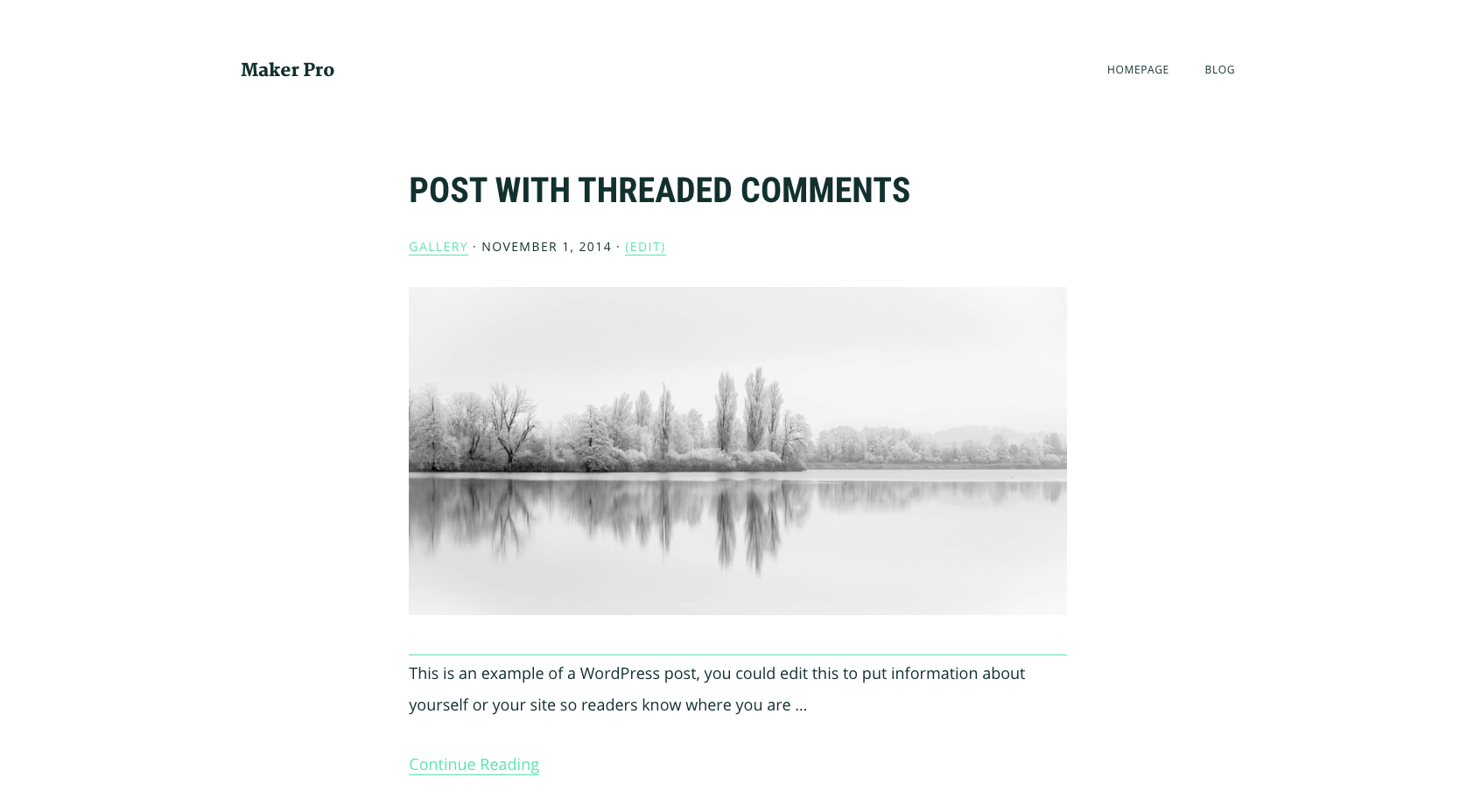
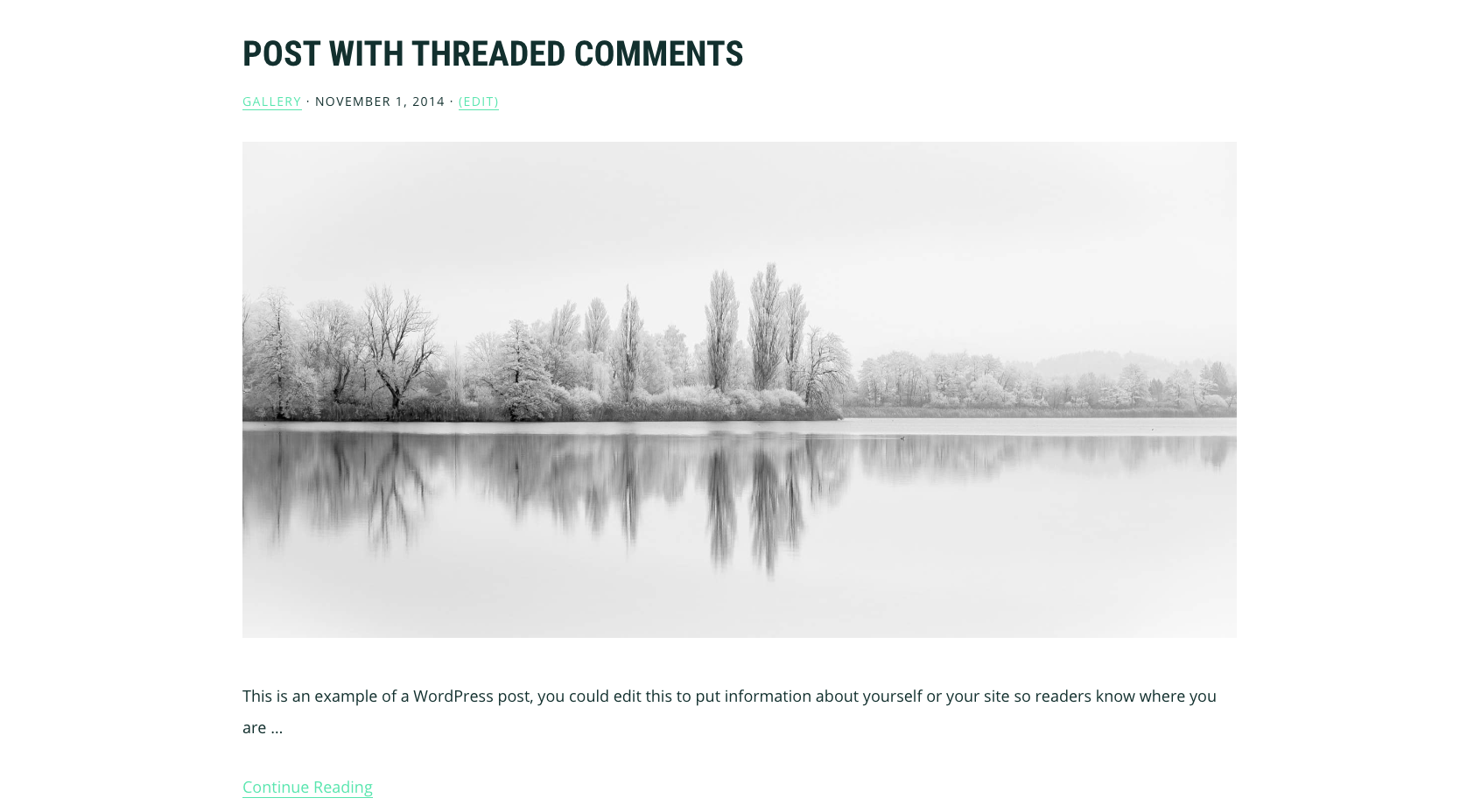
The template also includes code to :
- Set the size of the featured image
- Include or exclude posts from any category
- Set the number of posts to be displayed
- Remove the pagination
You can also customize the blog page template further using any of the snippets contained within this template.
Demo Video #
Shows the template named Blog displaying posts in a full width layout using the Maker Pro child theme for Genesis.
Installation Steps #
There’s only 1 step :
Upload the file named page_blog.php to the Maker Pro theme folder and select the Page Template named Blog from the Page Attributes box.
Related Templates
- How To Use The Old Blog Page Template In Genesis
- Genesis Blog Page Template Grid With Equal Height Entries – Wellness Pro
- Remove Blog Page Title In Genesis
Was this helpful?
Thanks for your feedback!
Leave a Reply