
This tutorial includes the code which creates a new custom page template for the Parallax child theme by StudioPress.
Note : This new solution adds the Parallax Pro themes front page template to the new version of the Genesis sample child theme by StudioPress.
No need to add the parallax script or CSS as thats already included in the theme.
The template can also be used on any Genesis child theme by adding the additional jQuery script and CSS which is included in this post. Its been added to the Genesis Sample child theme which you can simply download and install.
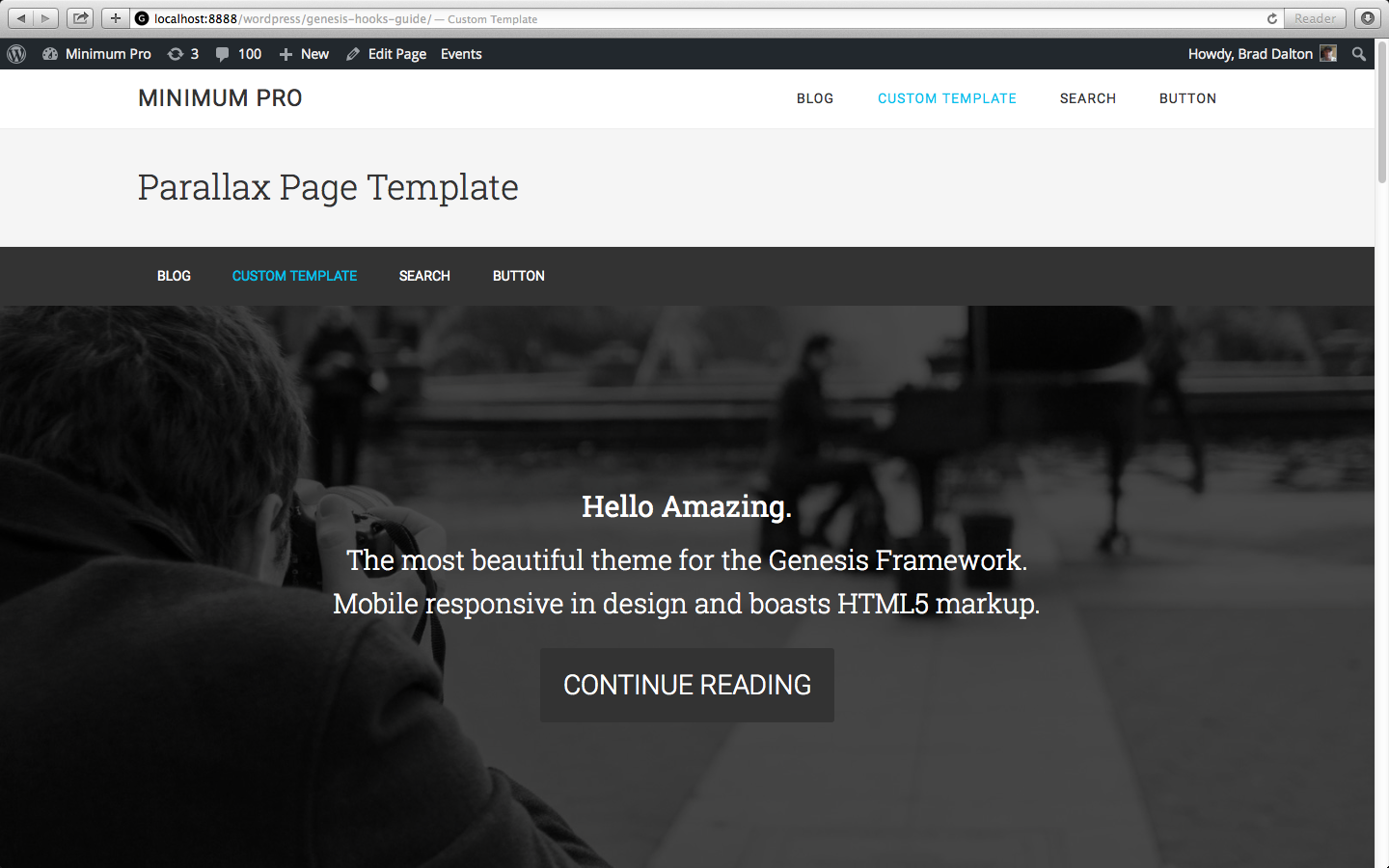
Here’s the result using the Parallax template on a page in Minimum Pro.
Download the Parallax child theme & Parallax Page Template for Genesis
Related Page Templates
- Add Parallax To Genesis Sample Theme
- Copy Front Page Template With Unique Widget Areas Using Different Background Images – Parallax Pro
Was this helpful?
Thanks for your feedback!


Leave a Reply