
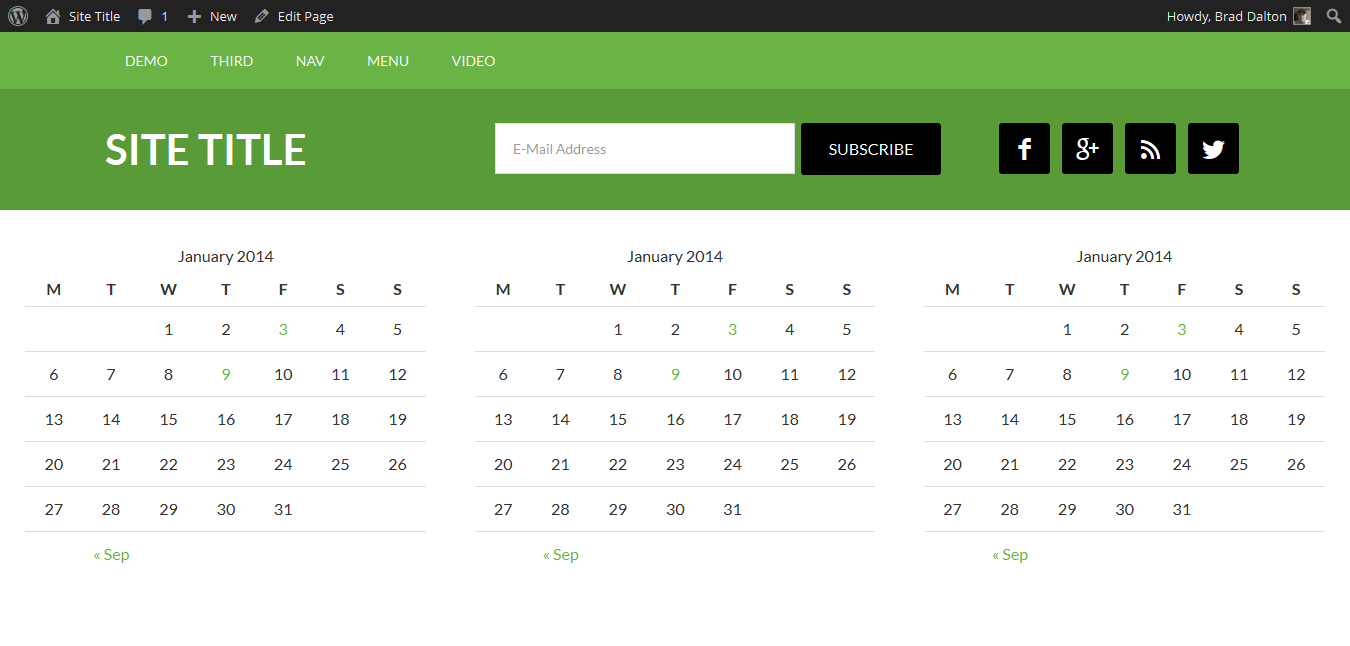
In this tutorial, i’ll show you 3 different ways to add 3 widgets side by side in the header of a StudioPress child theme.

- The 1st solution has been tested on the Eleven40 Pro theme however it will work in any theme.
- The 2nd solution tested on the Genesis Sample child theme.
- The 3rd solution only requires the addition of PHP code and adds a header left, header middle and header right widget areas via your child themes functions file.
1st Solution
Adding Widgets Side by Side in Other Positions
- Responsive Inline Widgets With Full Width Background
- Add Featured Widgets Inline Anywhere In Genesis
- Creating Multiple Widgets Inline With Different Widths
- Add 2 Responsive Widgets Side by Side in Genesis
- Use Bootstrap CSS to make widgets display inline
Was this helpful?
Thanks for your feedback!




Leave a Reply