
This plugin controls the flat rate shipping cost based on quantity and product category in cart. It also controls which shipping method is displays only displaying 1 applicable shipping method cost and free shipping when applicable.
The plugin includes custom fields to customize the shipping cost labels which are dispay in the totals on the cart and checkout pages.
INSTALLATION
- Upload the plugin files to
/wp-content/plugins/paul/ - Activate the plugin through the ‘Plugins’ menu in WordPress
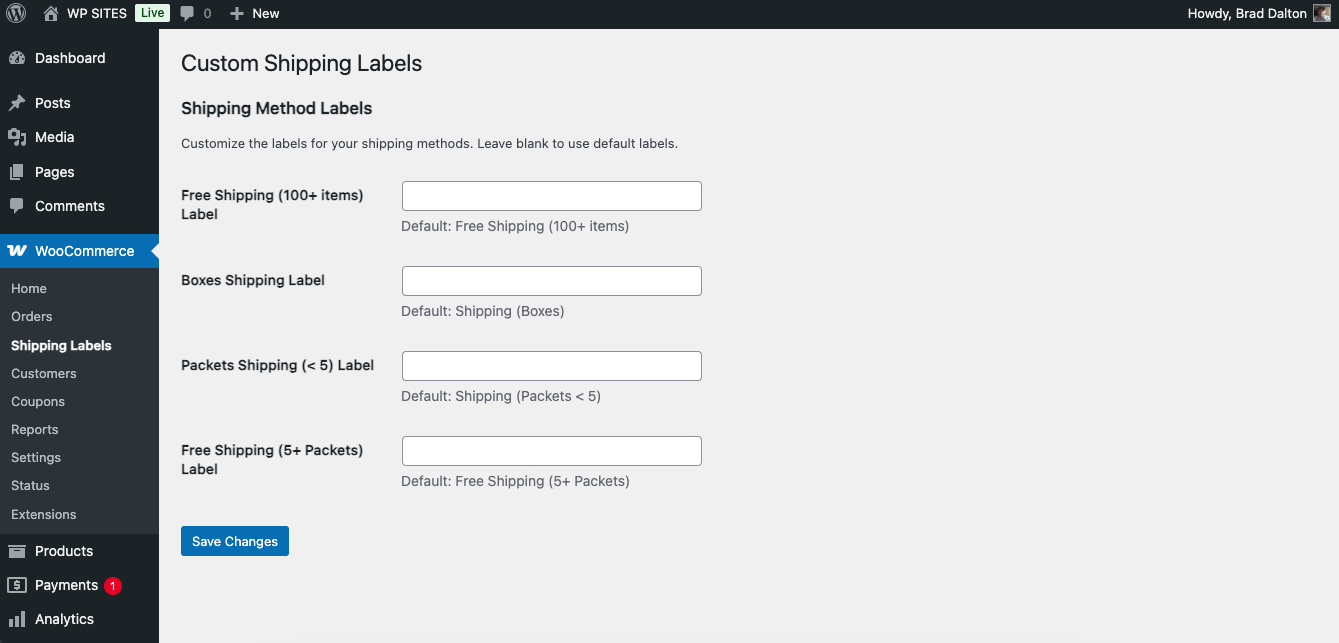
- Go to Settings → Shipping Labels to customize shipping method labels
CONFIGURATION
- Navigate to Settings → Shipping Labels in your WordPress admin
- Customize the labels for each shipping method:
- Free Shipping (100+ items): Label for orders with 100+ total items
- Boxes Shipping: Label for orders containing boxes
- Packets Shipping (< 5): Label for orders with less than 5 packets
- Free Shipping (5+ Packets): Label for orders with 5+ packets
- Leave fields blank to use default labels
- Click “Save Changes” to apply your custom labels
PACKETS CATEGORY
- If your cart contains only products from the ‘packets’ category:
- Less than 5 packets: Shipping is $4
- 5 or more packets: Shipping is FREE
BOXES CATEGORY
- If your cart contains any product from the ‘boxes’ category (regardless of other items):
- Shipping is $8
- This rule overrides the packets rule if both are present
FREE SHIPPING (TOTAL QUANTITY)
- If your cart contains 100 or more items (from any category):
- Shipping is FREE
- This rule overrides all other shipping rules
NOTES
- The plugin automatically applies the correct shipping cost based on your cart contents.
- If no products from ‘packets’ or ‘boxes’ are in the cart, the default shipping cost is used.
- Only one shipping method will be displayed at a time based on your cart contents.
- Custom labels are applied immediately after saving in the admin settings.
TROUBLESHOOTING
- If shipping methods aren’t updating, try refreshing the cart page
- Check that your products are assigned to the correct categories (‘packets’ or ‘boxes’)
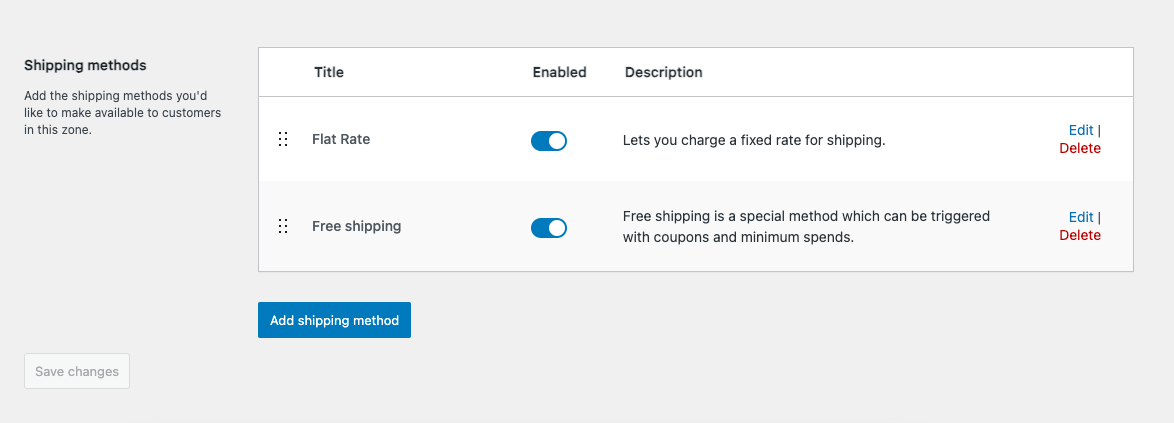
- Ensure WooCommerce is properly configured with at least one shipping method
Related Plugins
Was this helpful?
Thanks for your feedback!
Leave a Reply
You must be logged in to post a comment.