
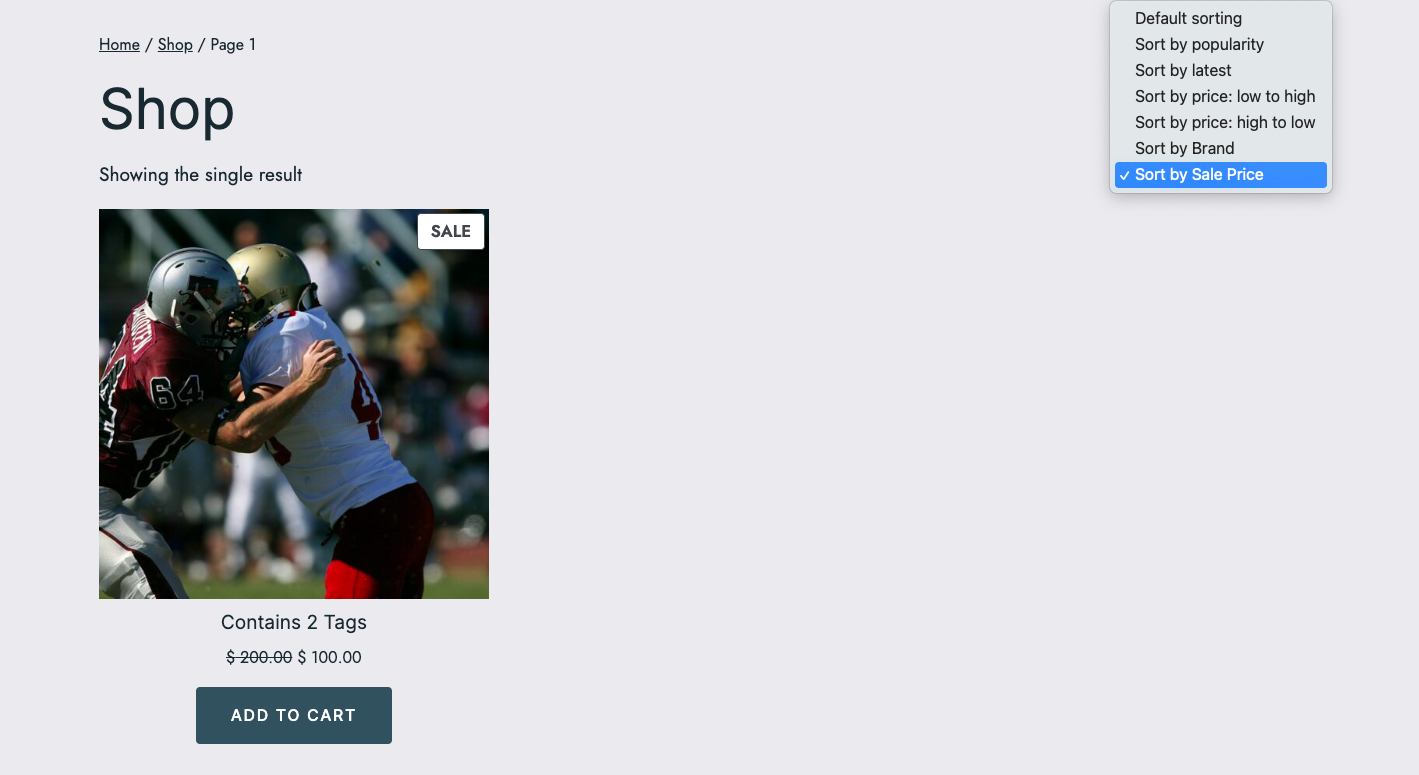
This code enables you to sort shop page products by the sale price on top of the default sorting.
The PHP code adds another option to the shop page sorting drop down menu named Sort by sale Price. You can easily change this name in the following code.
add_filter('woocommerce_product_sorting_args', 'custom_sort_by_sale_price');
function custom_sort_by_sale_price($args) {

    if (isset($_GET['orderby']) && 'sale_price' === $_GET['orderby']) {
        $args['meta_key'] = '_sale_price';
        $args['orderby'] = 'meta_value_num';
        $args['order'] = 'ASC'; // Change to 'DESC' for descending order
    }
    return $args;
}

add_filter('woocommerce_get_catalog_ordering_args', 'wcustom_sort_by_sale_price');
function wcustom_sort_by_sale_price($args) {

    if (isset($_GET['orderby']) && 'sale_price' === $_GET['orderby']) {
        $args['meta_key'] = '_sale_price';
        $args['orderby'] = 'meta_value_num';
    }
    return $args;
}

add_filter('woocommerce_catalog_orderby', 'add_sale_price_sort_option');
function add_sale_price_sort_option($sortby) {
    $sortby['sale_price'] = __('Sort by Sale Price', 'woocommerce');
    return $sortby;
}
The code is tested and works.
Add it to the end of your child themes functions file or custom functionality/code snippets plugin.
Related Coded Solutions
- Add Custom Taxonomy or Brand To Sorting
- Include Actual Lowest & Highest Prices in Shop Page Sorting Options
Was this helpful?
Thanks for your feedback!
Leave a Reply
You must be logged in to post a comment.