
This template enables you to display a custom loop for one specific post format type.
Simply upload the file to your child themes root directory and select the Link Format page template fem the drop down menu under the Page Attributes meta box on any Page Edit screen.
And here’s one example of what the archive page looks like:
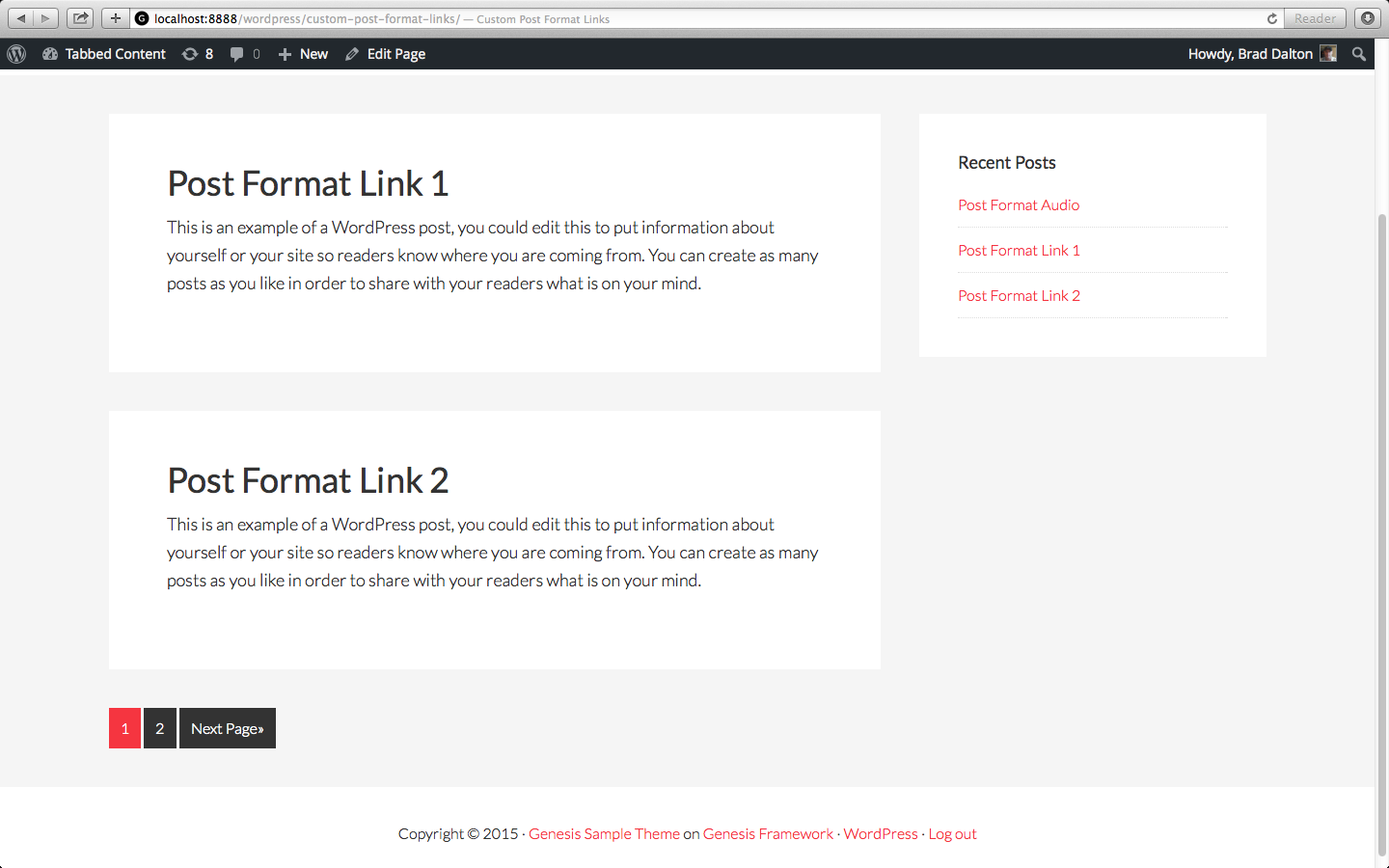
You can add code directly to the file now to modify the default output of thus specific archive page display.
Template Code
Using a code editor, create a new file named links_format.php and add the following code to the file.
Leave a Reply
You must be logged in to post a comment.